
SwipeDelete · Photo Cleaner
Swipe to delete photos and clean your camera roll in minutes
Blurry shots, burst leftovers, forgotten screenshots? Swipe left to delete, right to keep — and reclaim gigabytes of iPhone storage without browsing album after album.
Coming soon on theApp Store100% on-device · Safety trash · One-time purchase, no subscription
Reclaim your storage — without the stress
SwipeDelete shows you the obvious clutter first and always leaves the final word to you. A tedious chore becomes a quick, rewarding habit.
Coming soon on theApp Store- Every swipe clears real storageSmart AI suggestions surface screenshots, near-duplicates, blurry shots and bursts first.
- Heaviest files firstSort by size to free the most gigabytes with the fewest swipes.
- Zero accidental deletionsIn-app Trash, instant undo, and iOS's own confirmation before anything is gone.
- Private by designEverything runs on your iPhone. No cloud uploads, no account.
Cleaning that feels like a game
Decide in a second, with haptic feedback on every swipe. Scroll to see all screens →
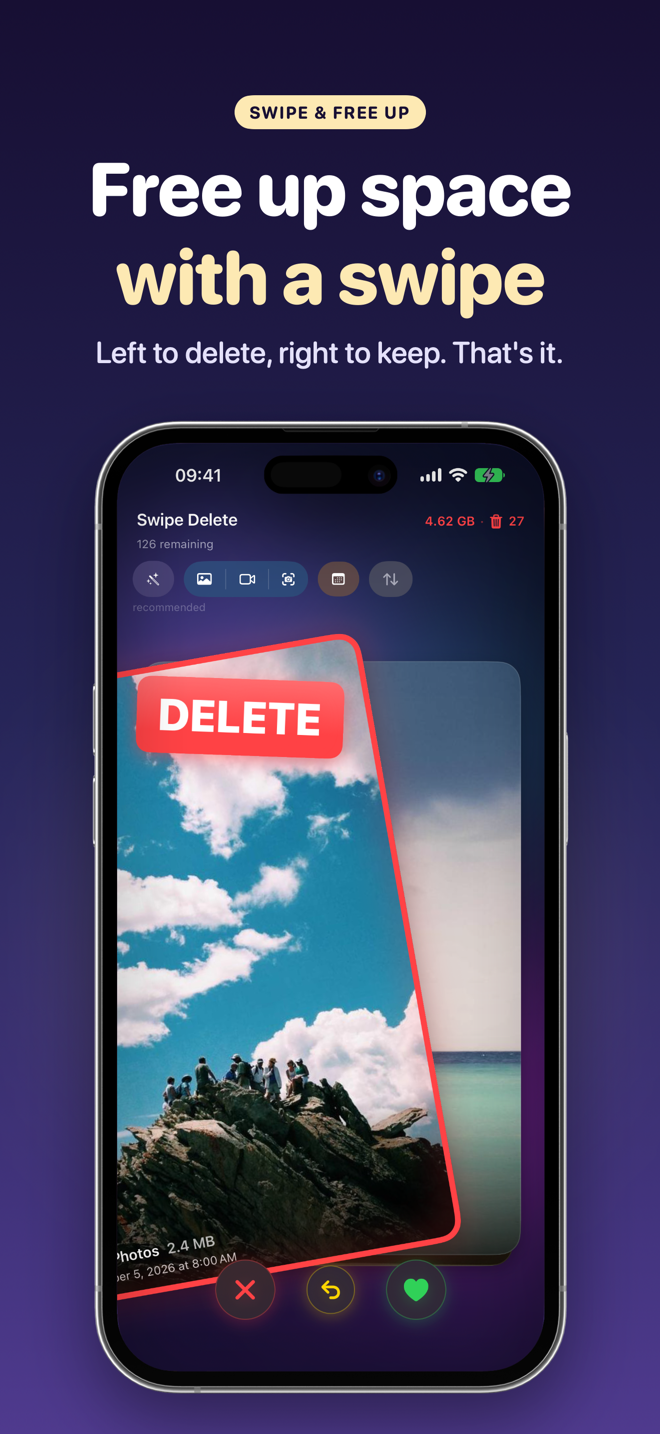
Left to delete, right to keep 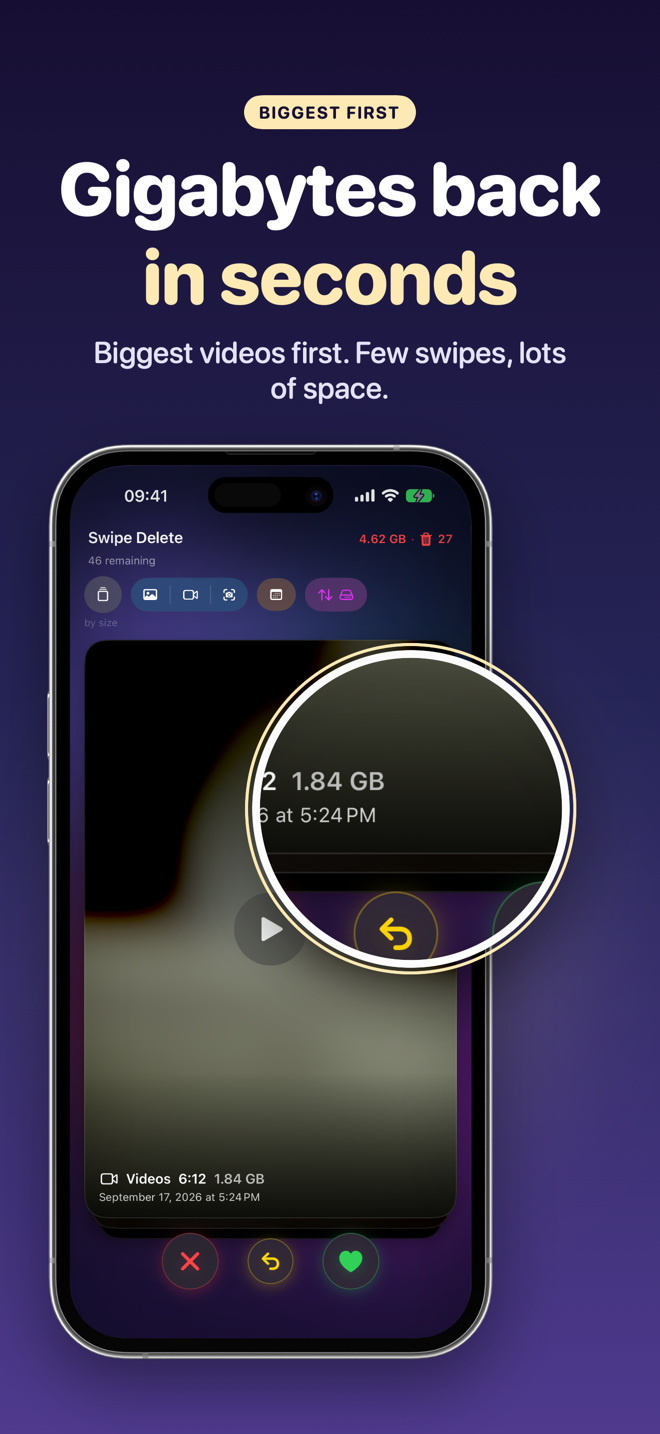
Heaviest videos first 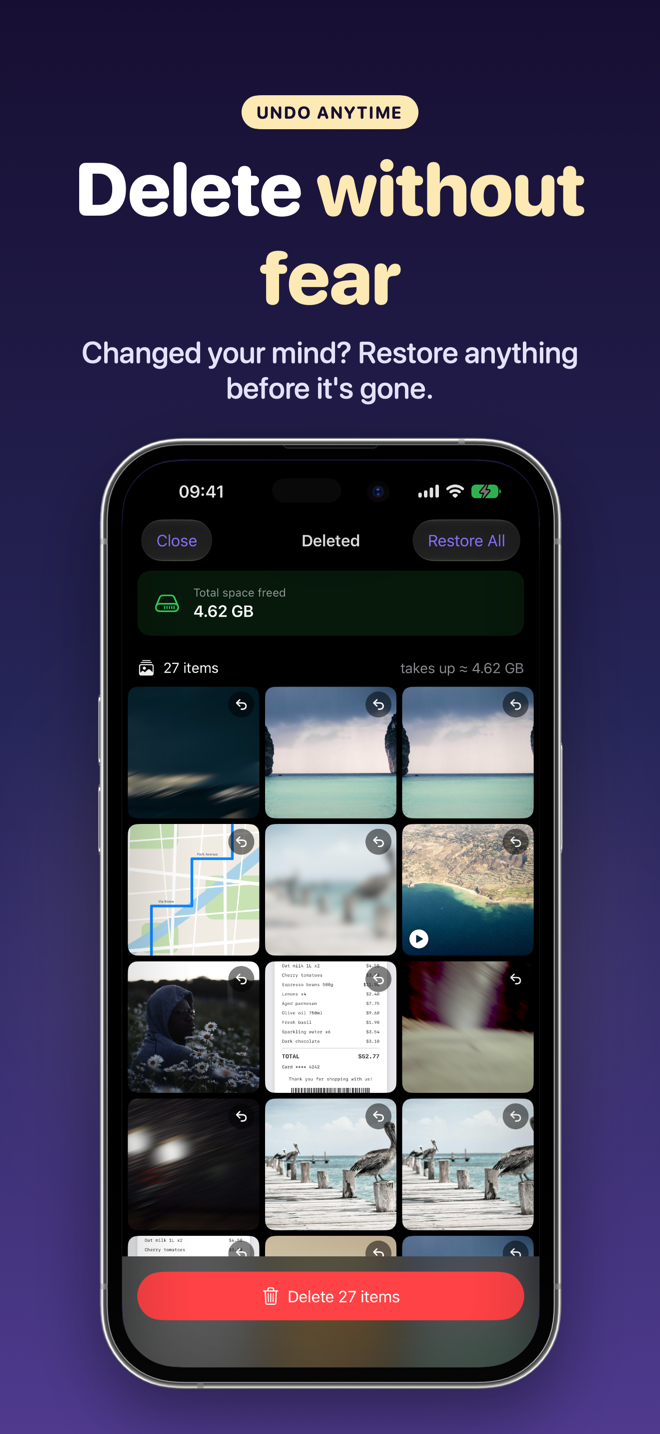
Safety trash: restore anytime 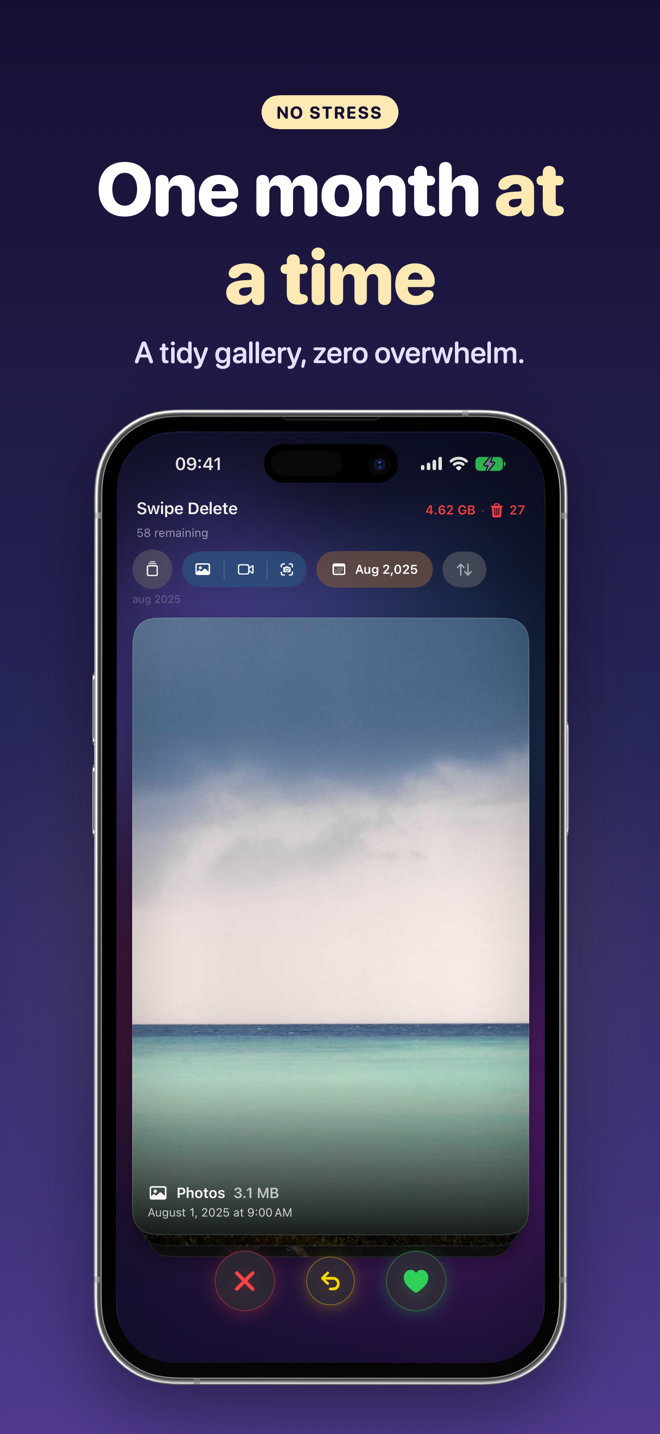
One month at a time 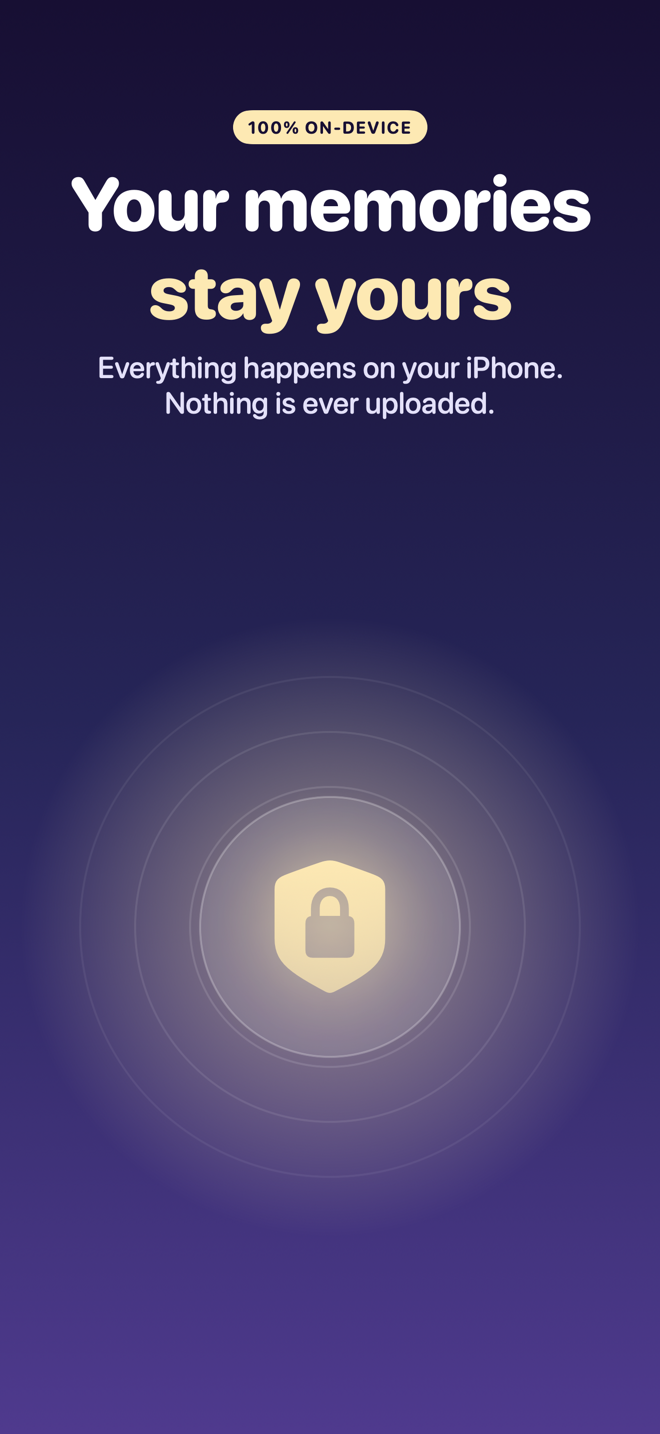
100% on-device 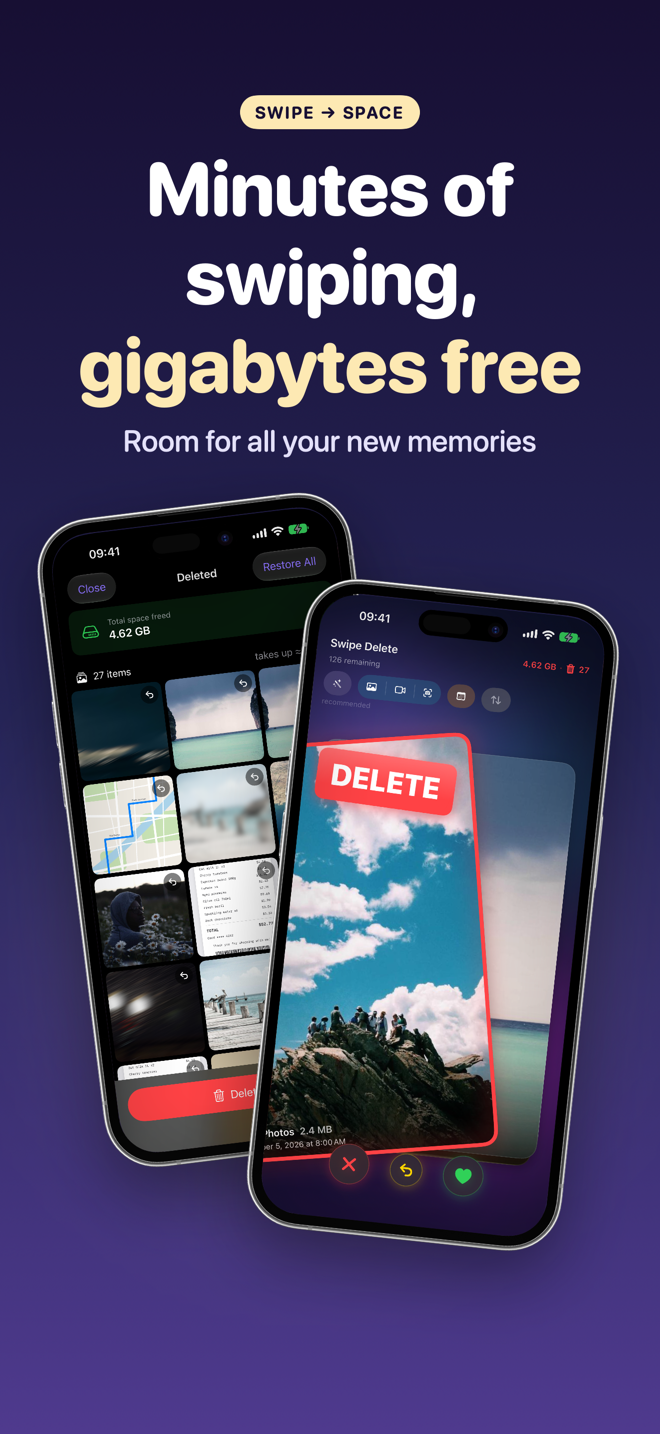
Minutes of swiping, gigabytes freed 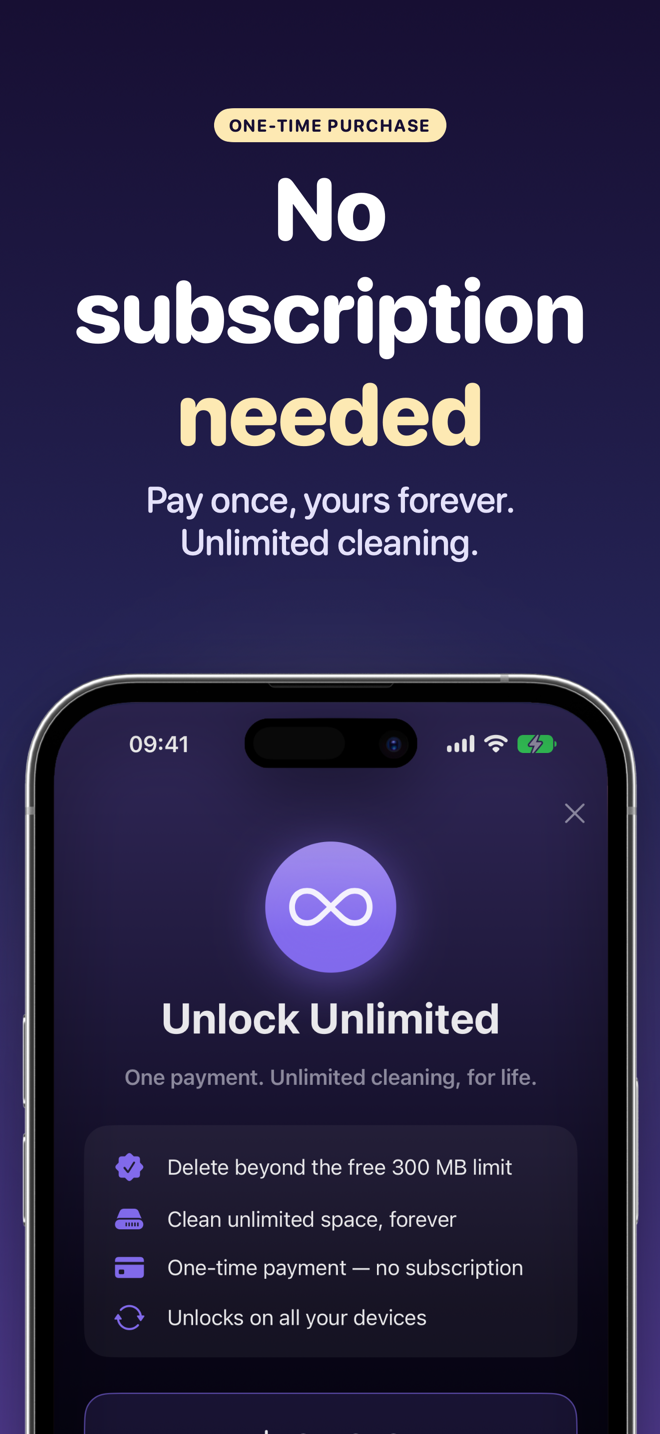
One-time purchase, no subscription
How it works
Four steps. No learning curve.
Allow Photos access
Open SwipeDelete and grant access to your library. The analysis stays on your iPhone.
Pick where to start
Start with Smart Suggestions, filter by Photos, Videos or Screenshots, by year and month, or sort by size.
Swipe and decide
Left to delete, right to keep. Made a mistake? Undo your last decision with one tap.
Review and confirm
Check the Trash grid, restore anything you want back, then confirm — iOS asks one last time.
Guides to free up iPhone storage
Practical fixes for the most common photo library problems — with and without the app.
How to free up space on iPhone
Where to start when storage is full.
Read the guide →Delete duplicate photos
Find duplicates and near-identical shots.
Read the guide →Delete screenshots
Clear piled-up screenshots in minutes.
Read the guide →Delete blurry photos
Get rid of shaky, failed shots.
Read the guide →Find large videos
The fastest way to win back gigabytes.
Read the guide →Clean up your camera roll
A simple routine that keeps it tidy.
Read the guide →Bulk delete photos
Speed without risking important memories.
Read the guide →Delete burst photos
Keep the best frame, drop the rest.
Read the guide →Frequently asked questions
How do I delete a lot of photos quickly on iPhone?
With SwipeDelete you swipe through photos and videos like cards: left to delete, right to keep. Each decision takes a second, and you can undo the last one at any time. Learn more
Can I get back a photo I deleted by mistake?
Yes. Everything you swipe left lands in the in-app Trash first, where you can restore single items or everything. Nothing is deleted until you confirm, and iOS asks for its own confirmation too. Learn more
Does SwipeDelete find duplicate photos and screenshots?
Smart Suggestions analyze your library on-device and surface screenshots, near-duplicates, unselected burst shots and low-quality photos at the top of the deck. Learn more
What is the fastest way to free up the most iPhone storage?
Sort the deck by size: the heaviest videos and files come first, so you reclaim the most gigabytes with the fewest swipes. Learn more
Are my photos uploaded to the cloud?
No. All processing happens on your iPhone with Apple's Vision framework. No account, no uploads. Learn more in the Privacy Policy
Is SwipeDelete a subscription?
No. You can free up to 300 MB for free; to clean without limits, a single one-time purchase unlocks unlimited use on all your Apple devices. Learn more in the Terms of Use
Ready to reclaim your storage?
Swipe away months of photo clutter in minutes. SwipeDelete is coming soon to the App Store.
Coming soon on theApp Store