 SwipeDelete
The Photos app has no album or filter for blurry photos: you need to find them by browsing your library by period, check them full screen, and delete them with Select › trash. To speed things up, use an app that analyzes image quality directly on your iPhone and shows you the worst shots first.
Where blurry photos hide
- Next to the good ones: when you shoot the same subject several times, the first or last frame is often shaky.
- In low light: concerts, dinners, parties. Long exposures mean motion blur.
- Accidental shots: camera opened in a pocket or from the Lock Screen — often black or messy.
- Bursts: the in-between frames often catch the subject mid-motion. Burst photos guide.
The manual method, step by step
- In Photos › Library, switch to Days: photos from the same moment are grouped together.
- Open a suspicious photo full screen and pinch to zoom if needed — a sharp-looking thumbnail can hide a shaky shot.
- Go back to the grid, tap Select and pick all the failed shots in that group.
- Tap the trash icon and confirm.
- At the end of the session, empty Recently Deleted.
A blurry photo can still be a precious memory (the only one of a person or a moment). Delete accidental shots without a second thought, but pause for a second on the one-of-a-kind ones.
How to do it with SwipeDelete
- Open SwipeDelete with Smart Suggestions on: the on-device engine built on Apple Vision surfaces low-quality images at the top, along with near-duplicates and bursts.
- Look at the full-screen card and decide: left if it's junk, right if you keep it.
- Made a mistake? Tap undo.
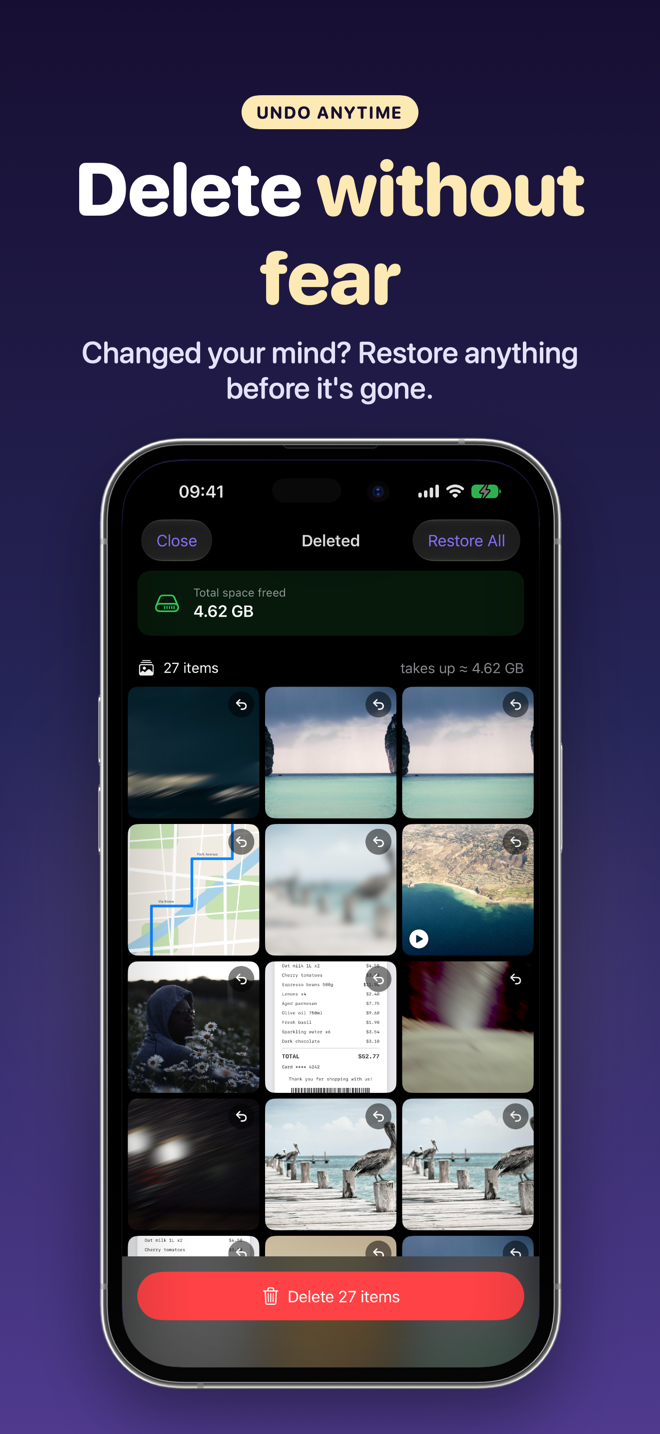
- Confirm from the Trash — you can restore single photos before deletion.
FAQ
Can iPhone detect blurry photos on its own?
The Photos app doesn't offer a dedicated filter. You need a manual check or an app that analyzes image quality.
Can I fix a blurry photo?
Editing tools can slightly improve perceived sharpness, but they rarely rescue a truly shaky shot.
Are my photos uploaded for analysis?
Not with SwipeDelete: the analysis happens entirely on your iPhone.