 SwipeDelete
Open Photos › Albums › Media Types › Bursts, open a burst, tap Select, pick the best frame (or frames), tap Done and choose to keep only your favorites: iOS deletes the rest. Repeat for each burst, then empty “Recently Deleted.”
What a burst is and why it takes up space
Holding the shutter button (or sliding it, on newer models) makes your iPhone shoot a rapid sequence. In your library it shows up as one thumbnail, but every frame is a full photo and takes up its own space.
Step by step
- Open Photos and go to Albums › Media Types › Bursts. If the album isn't there, you have no saved bursts.
- Open a burst: the top shows how many frames it contains.
- Tap Select: all the frames appear in a row.
- Scroll and tap the best one (sharp subject, eyes open, right moment). You can pick more than one.
- Tap Done and choose the option to keep only your favorites.
- Once you've gone through every burst, empty Recently Deleted.
Pick the frame right after shooting, while you remember which moment you wanted: it's much faster than doing it months later.
What if you already picked a favorite?
Even if you chose a favorite in the past, the burst may still sit in your library with all its frames. Check the Bursts album — it's often a source of “hidden” storage.
How to do it with SwipeDelete
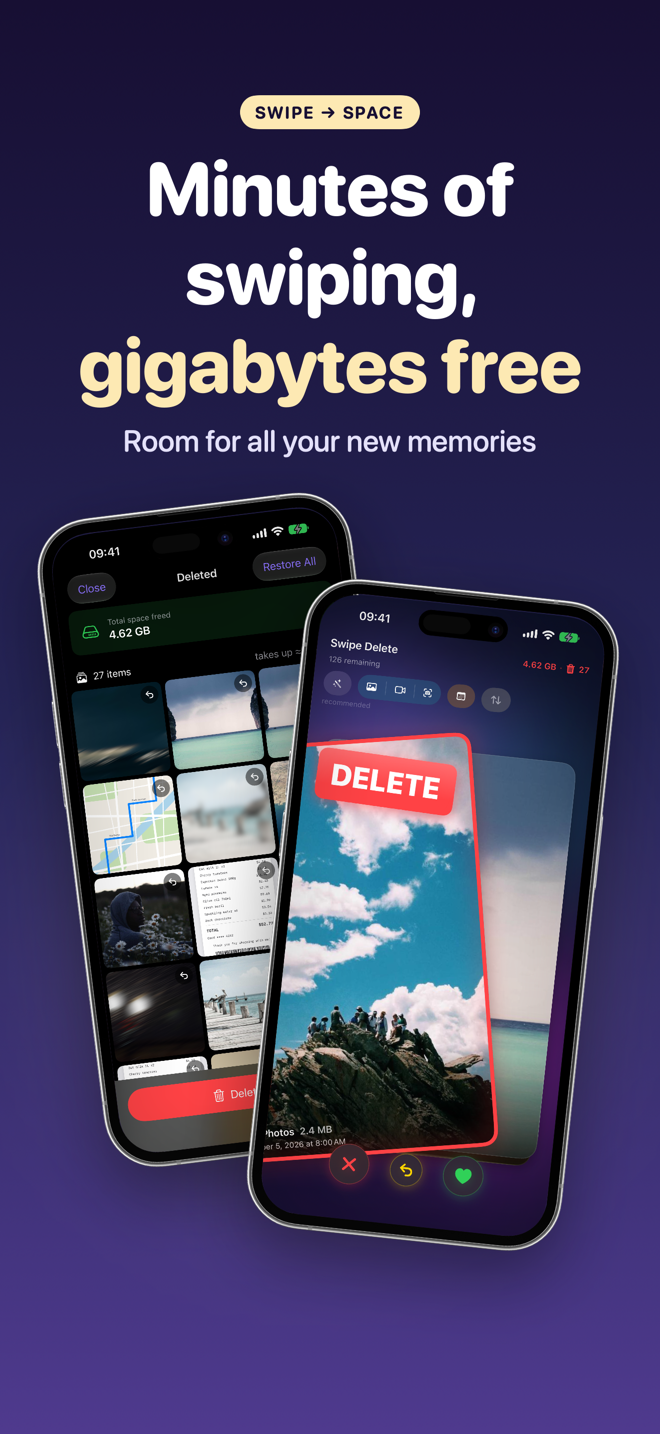
- Open SwipeDelete with Smart Suggestions on: unselected burst shots are brought to the top of the deck along with near-duplicates and screenshots.
- Swipe right on the best shot and left on the frames to delete.
- Undo your last decision whenever you want.
- Review the Trash and confirm — you see right away how much space you reclaim.
FAQ
Can I keep more than one frame of a burst?
Yes, select as many as you like before tapping Done.
Where do I find all my bursts?
In Photos › Albums › Media Types › Bursts.
How do I avoid taking bursts by accident?
Tap the shutter briefly instead of holding it down.