 SwipeDelete
For exact duplicates, use Photos › Albums › Utilities › Duplicates (iOS 16 and later) and tap Merge. For near-identical shots — three photos of the same sunset, ten takes of one selfie — iOS has no automatic merge: you need to compare them and keep only the best.
Exact duplicates: the Duplicates album
- Open Photos and scroll to Albums (or to your collections, depending on your iOS version).
- In Utilities, tap Duplicates. If you don't see it, iOS hasn't found any duplicates or is still indexing your library (common after a restore — leave your iPhone locked and charging for a few hours).
- Tap Merge next to each set: iOS keeps the highest-quality version, combines the relevant data, and moves the copies to Recently Deleted.
- To merge everything at once: Select › Select All › Merge.
Near-identical shots: the part that takes the most space
True duplicates are rare; what really fills a library is variants — the same subject shot several times in a row. iOS doesn't treat them as duplicates, so they all stay. A manual method that works:
- Browse your Library by Days or Months and look for runs of similar thumbnails.
- Open the first photo of the run and swipe through the variants full screen.
- Favorite the best one.
- Go back to the grid, tap Select, pick the others and tap the trash icon.
It works, but across thousands of photos it gets slow — exactly where a tool that surfaces near-duplicates first saves the most time.
Don't forget “Recently Deleted”
Both Merge and manual deletion move photos to Recently Deleted for about 30 days. The space only comes back once you delete them there too.
How to do it with SwipeDelete
- Open SwipeDelete with Smart Suggestions on: the on-device engine (Apple Vision) brings near-duplicates to the top of the deck.
- Look at the variants one after another: swipe right on the one to keep, left on the rest.
- Changed your mind? Tap undo to restore your last decision.
- Open the Trash, check the grid, and confirm deletion.
No photo ever leaves your iPhone during the analysis.
Coming soon on theApp Store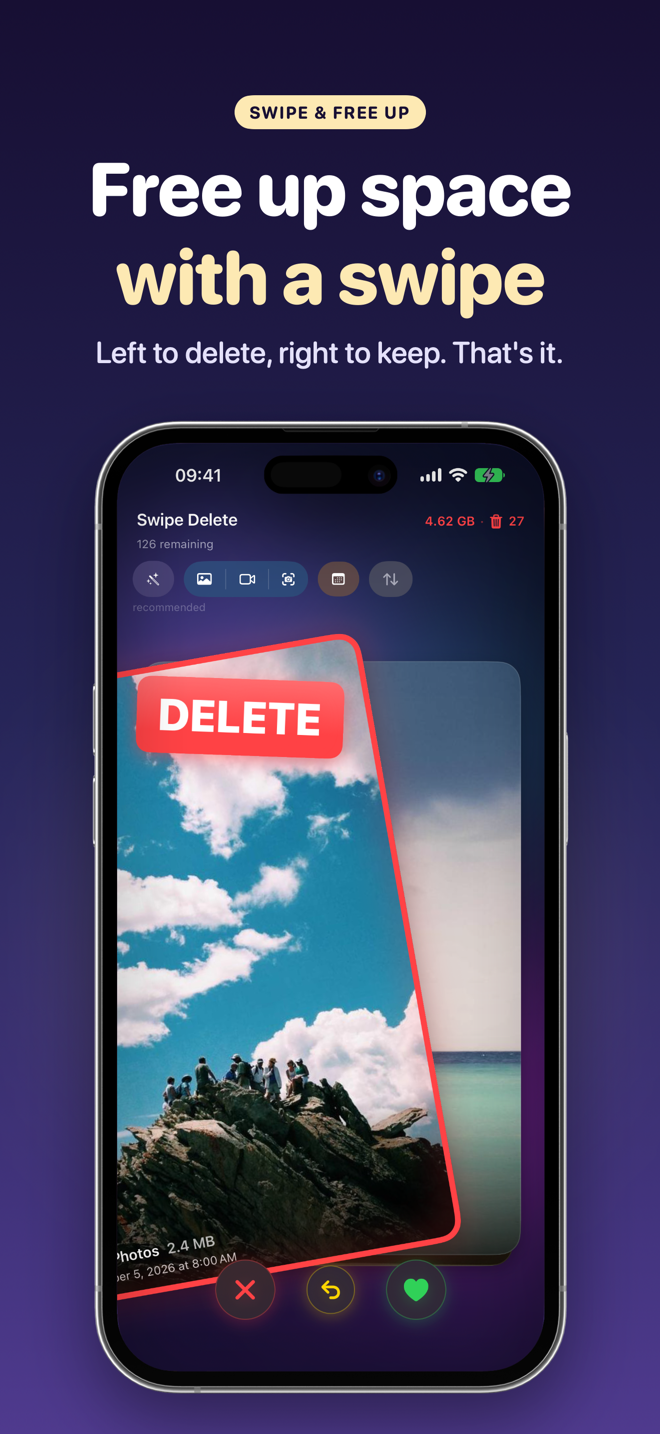
FAQ
Why can't I see the Duplicates album?
It requires iOS 16 or later and only appears when iOS finds duplicates. After a restore, the analysis can take a while.
Does Merge delete the best photo?
No: iOS keeps the highest-quality version and moves the others to “Recently Deleted,” where you can still recover them.
Are similar photos treated as duplicates?
No. The Duplicates album covers identical or nearly identical copies; variants of the same shot need to be picked by hand or with a tool like SwipeDelete.